ISO/IEC 29794-6 Iris Image Quality: the Metrics and Thresholds We Use
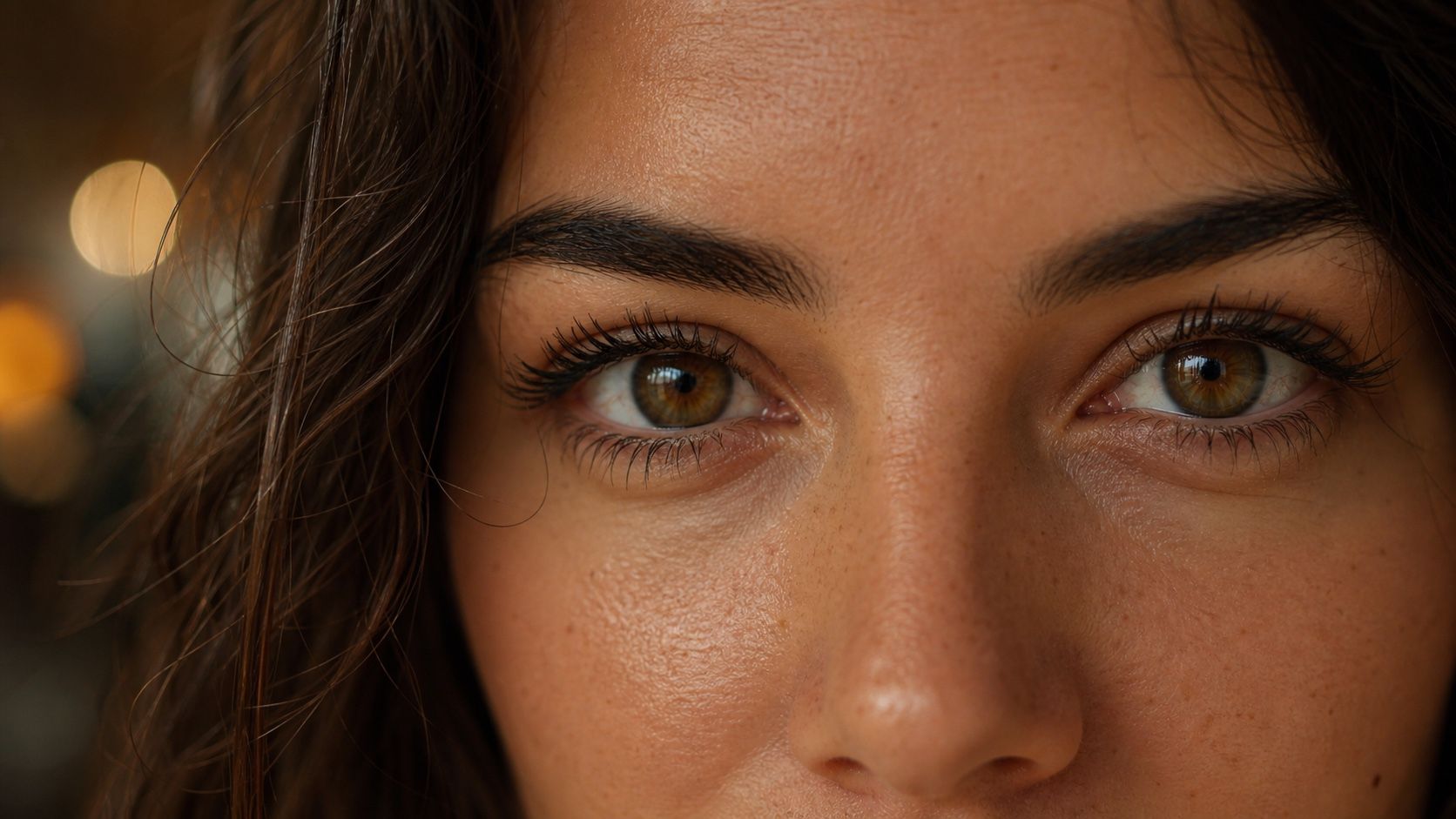
Most iris recognition errors are decided at capture. A half-closed eye, a blurred frame or a pupil dilated in a dark room produces a template that will later fail to match, or worse, match the wrong person in a large register. ISO/IEC 29794-6 describes how to measure the quality of an iris image before it is used. Below are the components we compute in our SDK, what each one catches and the thresholds we start with.
Why measure quality at all
An iris scanner always returns an image. Whether that image is good enough is a separate question, and the only moment to fix a bad one is while the person is still in front of the camera. A quality check takes a few milliseconds; a failed match a month later costs a repeat visit, a manual review or a duplicate that slips through. For enrollment in particular it pays to be strict, because every later comparison depends on that one image.
The components
Usable iris area
The share of the iris ring that is not covered by eyelids, eyelashes or reflections, in percent. It is the single most important number: fewer visible bits mean less information to compare and a less reliable score. We require at least 70% for enrollment.
Iris–sclera and iris–pupil contrast
How clearly the outer boundary of the iris stands out from the white of the eye, and the pupil from the iris. Low contrast makes segmentation unstable: the circles are found in slightly different places each time, and the codes drift. Our defaults are at least 5 for iris–sclera and 30 for iris–pupil contrast.
Grey scale utilisation
The entropy of the image histogram, in bits. An underexposed or saturated image uses only part of the grey scale and loses the fine texture the code is made of. We look for at least 6 bits.
Iris radius
The size of the iris in pixels. The texture needs enough pixels to be encoded; we require a radius of at least 75 pixels, an iris about 150 pixels across. Below that the person is usually too far from the camera.
Pupil–iris ratio
The pupil radius as a percentage of the iris radius. A strongly dilated pupil (dark room, some medication) squeezes the iris texture into a thin ring; a very constricted one changes it the other way. Between 20 and 70 is acceptable.
Iris–pupil concentricity
How close the centres of the pupil and the iris are. They are never exactly concentric, but a large offset usually means the eye is looking away or the segmentation went wrong. We want at least 90 on a 0–100 scale.
Margin adequacy
Whether the whole iris is inside the frame with some space around it. An iris cut by the image border loses part of its code. At least 80.
Sharpness
A focus measure from the high-frequency energy of the iris region. Out-of-focus images are the most common failure with handheld capture. Our score runs from 0 to 100 and we require at least 50.
The thresholds in one table
| Component | Default for enrollment |
|---|---|
| Usable iris area | ≥ 70% |
| Iris–sclera contrast | ≥ 5 |
| Iris–pupil contrast | ≥ 30 |
| Grey scale utilisation | ≥ 6 bits |
| Iris radius | ≥ 75 px |
| Pupil–iris ratio | 20–70 |
| Iris–pupil concentricity | ≥ 90 |
| Margin adequacy | ≥ 80 |
| Sharpness | ≥ 50 |
These are starting points, not the standard's verdict. Scanners differ in optics and illumination, so we log the scores during a pilot and adjust the limits to the share of retakes the operators can live with. Verification at a later visit can be more lenient than enrollment.
One score or many
Operators need a simple answer: take another picture or move on. Engineers need to know why. The SDK returns both: every component, a list of the ones out of range, and a combined score from 0 to 100 that starts from the usable area and is reduced for each component outside its limits.
val q = sdk.iris().quality().assess(eye) ?: return retake("no iris found")
if (q.issues.isNotEmpty()) return retake(q.issues)
val template = sdk.iris().encoder().extractAndEncode(eye)
Some parts of the standard, such as the gaze angle, we do not compute yet. The formulas we use are documented in the SDK source; this is our implementation of the standard's components, not a certified one.
In practice
- Check quality before encoding, on the device, and give the operator an immediate reason: "eyes half closed", "move closer", "hold still".
- Be strict at enrollment and keep the best of several frames.
- Store the quality scores with the record; they explain most matching failures later.
- Recalibrate the limits when you change the scanner model.